Mr.Speech
AI meeting notes without a bot: 7 bot-free tools
How bot-free AI meeting notes work, plus 7 tools compared: Mr.Speech, Granola, Jamie, Meetily and more, on Windows, macOS, Linux, offline and in person.
You can get AI meeting notes without a bot joining the call by using a desktop or mobile app that records audio on your own device instead of sending a participant into the meeting. Mr.Speech, Granola, Jamie, Meetily, Bluedot, Notion AI Meeting Notes and Krisp all offer a way to do this. They differ mainly in which operating systems they support, whether anything can run offline, and how they handle in-person meetings.
A note on who wrote this: this article is published by Mr.Speech, which is one of the options below. Every fact about another product comes from that company's own website, help center or repository, and we say where another tool fits better.
How bot-free note taking works
A bot-based note taker joins your call as an extra participant. It connects to the meeting service and records from there, so everyone in the call sees it, and some organisations block it.
A bot-free app works on your computer or phone instead. It listens to your microphone and, on a computer, to the audio your machine plays back, which is where the other people's voices come from. Nothing new appears in the call. Because it records your device rather than the meeting service, it usually works with any call app.
One point matters more than the technology. Not having a bot in the call does not remove the duty to tell people you are recording. Without a visible bot, the announcement is up to you. Recording and consent rules differ by country and organisation, so check what applies to you. A short sentence at the start of the call is a simple habit.
Comparison at a glance
Tool | No bot in the call | Windows | macOS | Linux | Works offline | In-person meetings |
|---|---|---|---|---|---|---|
| Mr.Speech | Yes | Yes | Yes | Yes | Yes, in on-device mode | Yes, in-person mode |
| Granola | Yes | Yes | Yes | Not stated | No, transcription needs a connection | Yes, via the mobile app |
| Jamie | Yes | Yes | Yes | Not stated | No, offline capture no longer supported | Yes |
| Meetily | Yes | Yes | Yes | Build from source | Yes | Not stated |
| Bluedot | Yes | Yes | Yes | Not stated | Not stated | Yes, via mobile apps and Apple Watch |
| Notion AI Meeting Notes | Yes | Yes | Yes | Not stated | No | Yes, via browser or mobile |
| Krisp | Yes, with an optional Zoom bot | Yes | Yes | Not stated | Not stated | Yes, via the mobile app |
YesPartlyNoNot stated by the vendor
"Not stated" means the vendor's own site did not say either way when we checked.
Mr.Speech
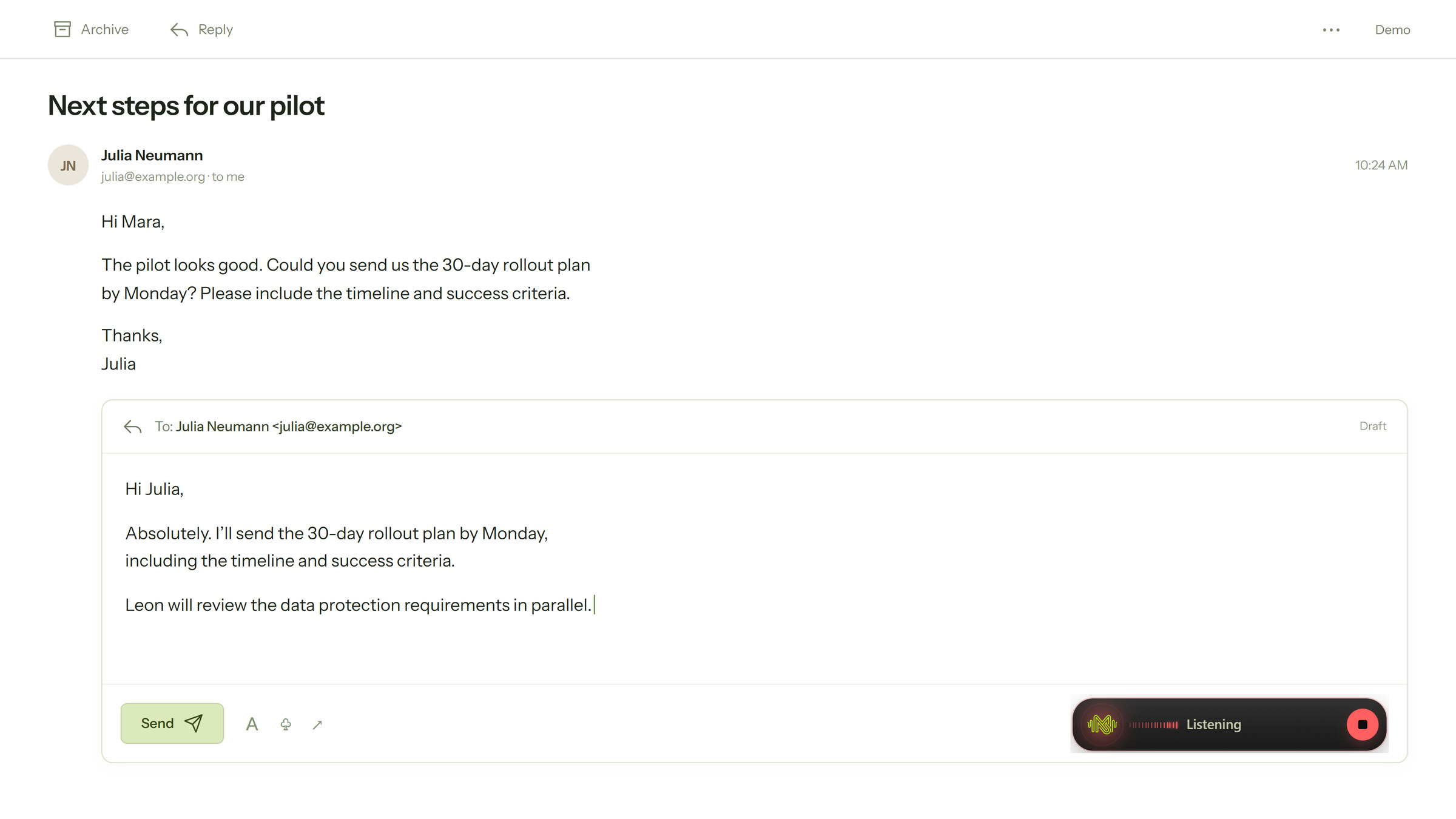
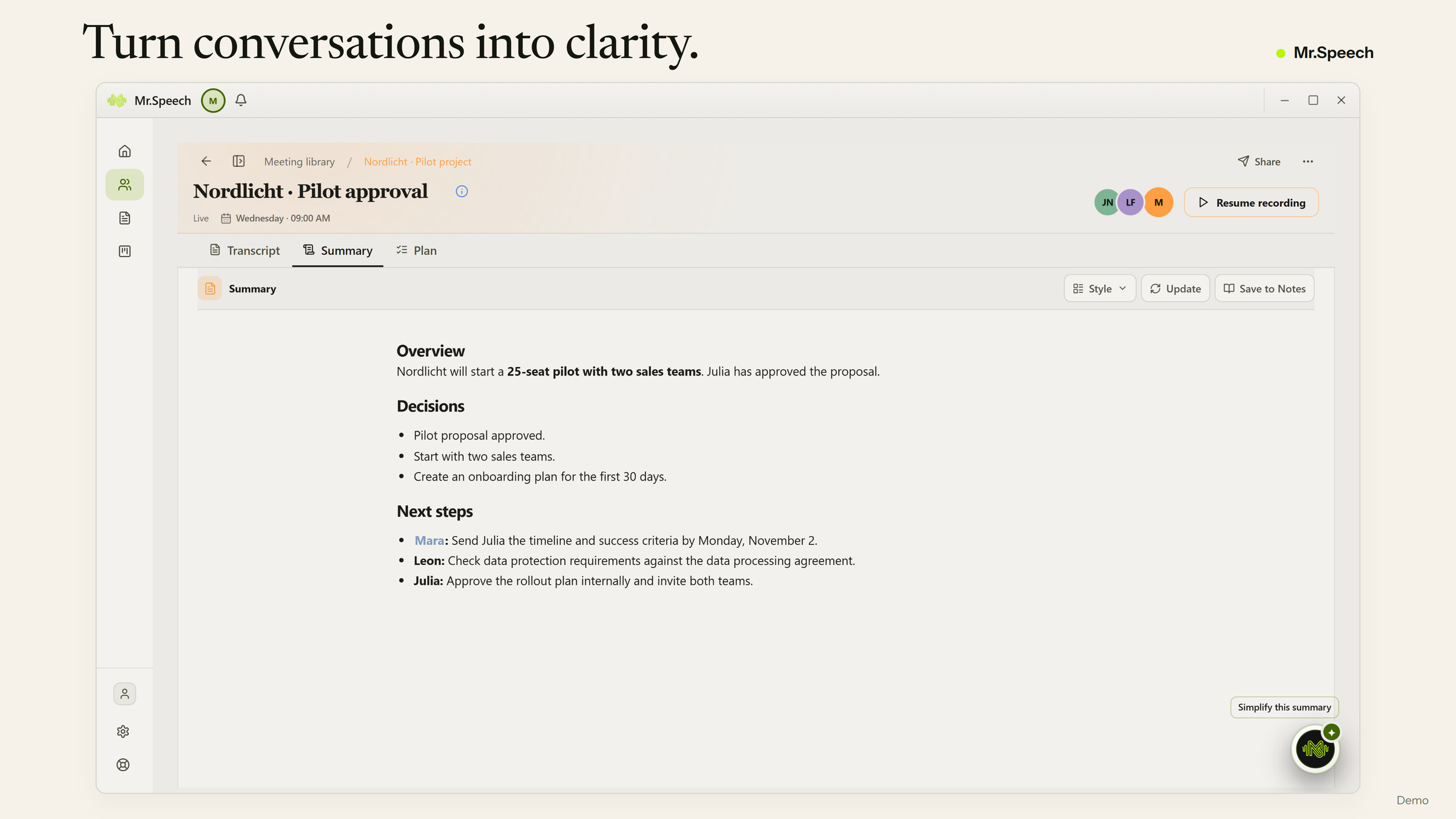
Mr.Speech is a desktop voice app for Windows, macOS and Linux. For meetings, no bot joins the call. It records your microphone and your computer's audio as two separate tracks on your machine, so it works with Teams, Zoom, Google Meet or any other conferencing tool. An on-device speaker identification model labels who spoke, and once you name a person, their voice is recognised in later meetings without voice data going to the cloud.
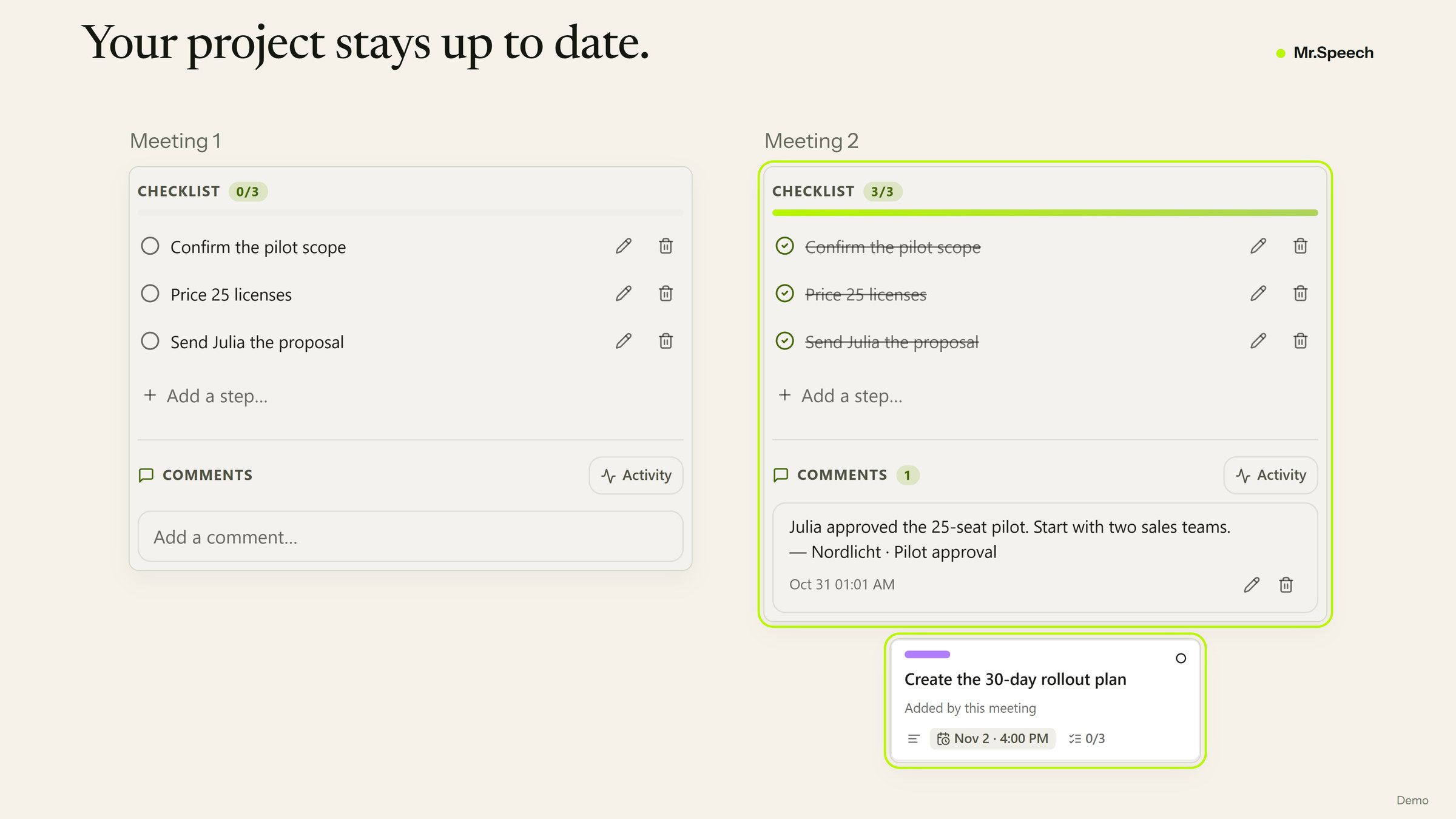
You pick a mode per meeting: live transcription, a cloud recording processed in Europe, or an on-device mode that transcribes entirely on your computer when you stop. A fully private mode works with the internet unplugged. An in-person mode records a single microphone for a room with no call. Afterwards, one click gives you a summary, action items or a follow-up email draft, and action items can go onto a Kanban board. The same app does AI dictation into any window that accepts text, and there is a free plan.
Strengths: runs natively on Linux as well as Windows and macOS, on-device mode for sensitive calls, EU cloud when you want it, notes and tasks in the same app.
Limits: it is a desktop app. If most of your meetings happen away from a computer, a tool with a phone app may suit you better.
Best for: consultants and teams on Windows, macOS or Linux who want bot-free notes, an offline option and tasks from what was said.
Official site: mrspeech.app. A detailed side-by-side with Granola is on our Mr.Speech vs Granola page.
Granola
Granola describes itself as an AI notepad for back-to-back meetings. It uses your computer audio, so it does not invite a bot. Its site lists apps for macOS, Windows, iOS and Android, and the phone apps are meant for walking meetings, conferences and coffee catch-ups.
Granola captures on the device and processes in the cloud, and its help center says transcription needs a live connection. According to Granola, raw audio is deleted after transcription, and transcripts and notes are stored in a US-hosted AWS environment.
Strengths: a notepad built around back-to-back meetings, desktop and mobile apps, in-person support through the phone.
Limits: no offline transcription, and Linux is not among the platforms its site lists.
Best for: people on Mac or Windows who also want a phone app and are comfortable with cloud processing. If you need Linux or an offline mode, look at the alternatives below.
Official site: granola.ai
Jamie
Jamie says it does not require a meeting bot to join your calls. It runs on your Mac, your Windows computer or the iOS app on your iPhone, and works with Zoom, Teams, Google Meet and other platforms. For in-person meetings, you start a recording manually and Jamie listens through the device microphone.
Jamie states that storage and processing stay within the EEA, Switzerland and the UK. Its own guide also says Jamie needs an internet connection to capture a meeting and that fully offline capture is no longer supported. Audio is deleted once transcription is complete.
Strengths: bot-free on desktop and iPhone, clear in-person workflow, a stated European data location.
Limits: needs a connection, and Linux is not mentioned.
Best for: European teams on Mac, Windows and iPhone who want a cloud service with data kept in Europe and do not need offline use. For many of them Jamie is a very reasonable choice.
Official site: meetjamie.ai
Meetily
Meetily is an open source meeting assistant under the MIT license. It captures audio from your device and does not appear as a participant. Its repository says all processing is done on your machine, and its site says it can operate completely offline with local models. If you choose a cloud provider for summaries, only the transcript text is sent.
Native apps exist for Windows and macOS (Apple Silicon, according to the repository). On Linux, the project says to build from source. Speaker diarization is listed as a Pro feature on the site.
Strengths: open source, local by default, offline capable.
Limits: Linux means building it yourself, and in-person meetings are not specifically addressed.
Best for: technical users who want to inspect or modify the code and keep everything local.
Official site: meetily.ai
Bluedot
Bluedot says it never invites a bot to your meeting or asks for calendar access. It records through a Chrome extension or desktop apps for Mac and Windows, and supports Zoom, Google Meet, Microsoft Teams, Webex and Slack huddles. Away from the computer, it offers iPhone, Android and Apple Watch apps.
Strengths: wide choice of capture options, including a browser extension and a watch app.
Limits: its site does not say whether any processing is local or offline, and Linux is not mentioned.
Best for: people who work mostly in the browser and like recording from a phone or watch.
Official site: bluedothq.com
Notion AI Meeting Notes
Notion lists AI Meeting Notes with "no bot needed". According to its help center, the desktop app captures all sides of the conversation using system audio and the microphone. The browser version and the mobile app only hear the microphone, so Notion recommends them for in-person conversations. The Mac app requires macOS 13 or later, and a Windows desktop app is supported.
Notion's help center says AI Meeting Notes is not currently supported while offline, and transcription runs through Notion's sub-processors. It is available on Business and Enterprise plans or eligible mobile subscriptions that include Notion AI.
Strengths: notes land directly in your Notion workspace next to your other documents.
Limits: online only, tied to specific Notion plans, Linux not mentioned.
Best for: teams who already run their work in Notion and want meeting notes there.
Official site: notion.com
Krisp
Krisp works at the audio level on your device, and its FAQ says you do not need a bot in your meeting. It also offers an optional bot mode for Zoom if you prefer one. Desktop apps are available for Windows and macOS, along with mobile apps and a browser extension. Krisp suggests the mobile app for in-person discussions.
Krisp describes on-device English transcription. Transcription in its other languages is server-based, and the page does not say whether note taking works offline.
Strengths: bot-free by default, on-device option for English, desktop and mobile coverage.
Limits: on-device transcription is English only, Linux is not mentioned.
Best for: people who mostly meet in English and want an on-device transcription option on Windows or macOS.
Official site: krisp.ai
How to choose
You use Linux: Mr.Speech has native Linux apps. Meetily can be built from source. The others do not list Linux.
You need to work offline or keep audio on the device: Mr.Speech in on-device mode, or Meetily.
You want data kept in Europe in a cloud service: Jamie states EEA, Swiss and UK storage, and Mr.Speech offers an EU cloud mode.
You record often from your phone: Granola, Jamie, Bluedot and Krisp offer mobile apps.
Your team lives in Notion: Notion AI Meeting Notes keeps everything in one place.
You want tasks, not only notes: check whether action items go into a task board or just a list. Mr.Speech sends them to a Kanban board.
Whatever you pick: tell the people in the call that you are taking AI notes.
If Mr.Speech sounds like a fit, you can download it for Windows, macOS or Linux and try it on the free plan.
Questions
Can I get AI meeting notes without a bot joining the call?
Yes. All seven tools above record the audio on your own device, so no extra participant appears in the meeting.
Is there a Granola alternative for Windows or Linux?
Granola itself runs on Windows. If you are looking for Linux, Mr.Speech offers native Linux apps alongside Windows and macOS, and Meetily can be built from source on Linux. Granola's own site lists macOS, Windows, iOS and Android.
Do I still need to tell people I am recording?
Yes. A bot-free app is less visible, so saying it out loud matters more. Rules differ by country and organisation. This is not legal advice.
Which bot-free note takers work offline?
Among the tools here, Mr.Speech (in its on-device mode) and Meetily state that they can transcribe without an internet connection. Granola, Jamie and Notion state that they need a connection. Krisp describes on-device English transcription but does not say whether note taking works offline.
Can bot-free tools handle in-person meetings?
Most can. Mr.Speech has an in-person mode, and Granola, Jamie, Bluedot, Notion and Krisp support in-person meetings through their phone or browser apps.
Checked against each company's own website on 12 November 2026.