Mr.Speech
The best dictation software for Linux in 2026
Seven Linux dictation apps compared: which type into any app, work on Wayland, run offline and are open source, plus Wispr Flow and superwhisper.
If you want one app that dictates into any Linux window on Wayland and also handles meetings and notes, pick Mr.Speech. If you want free, open-source push-to-talk, look at Voxtype (best on tiling Wayland compositors like Hyprland and Sway), Vocalinux (a Linux-native tray app with many engines) or Handy (simple and cross-platform). For a scriptable command-line tool, nerd-dictation is still the minimal choice, and Speech Note suits offline note taking with speech, reading aloud and translation.
We make Mr.Speech, so weigh our section accordingly. Every claim below about another tool comes from that project's own website or repository README, and where a project does not say something, we say "Not stated" rather than guess.
What matters for dictation on Linux
Speech recognition is the easy part now. The hard part on Linux is getting the text into the app you are using. On X11, tools like xdotool can simulate typing. On Wayland, apps are deliberately isolated from each other, so dictation tools rely on helpers such as wtype, ydotool or dotool, an input method like IBus, or a clipboard paste. Which of these works depends on your compositor, so check that first.
Comparison at a glance
Tool | Types into any app | Wayland | Offline | Open source | Best for |
|---|---|---|---|---|---|
| Mr.Speech | Yes, into the focused window | Yes (Wayland, Hyprland, KDE named) | Yes, on-device mode | No | Dictation plus meetings, notes and tasks in one app |
| Handy | Yes, pastes into the focused app | Limited, per its README | Yes | Yes (MIT) | Simple, free push-to-talk on any OS |
| Vocalinux | Yes, into the active window | Yes | Yes, with local engines | Yes (AGPL-3.0) | A Linux-native tray app with a choice of engines |
| nerd-dictation | Yes, simulated keystrokes | Yes, via ydotool, dotool or wtype | Yes | Yes (GPL-3.0) | A minimal, scriptable command-line tool |
| Speech Note | Yes, into the focused window | Yes, with the ydotool daemon | Yes | Yes (MPL-2.0) | Offline notes, reading aloud and translation |
| OpenWhispr | Yes, with automatic pasting | Not stated | Yes, with local models | Yes (MIT) | An open-source all-rounder across three OSes |
| Voxtype | Yes, at the cursor | Yes, its primary target | Yes, local by default | Yes (MIT) | Hyprland, Sway and River users |
YesPartlyNoNot stated by the vendor
Mr.Speech
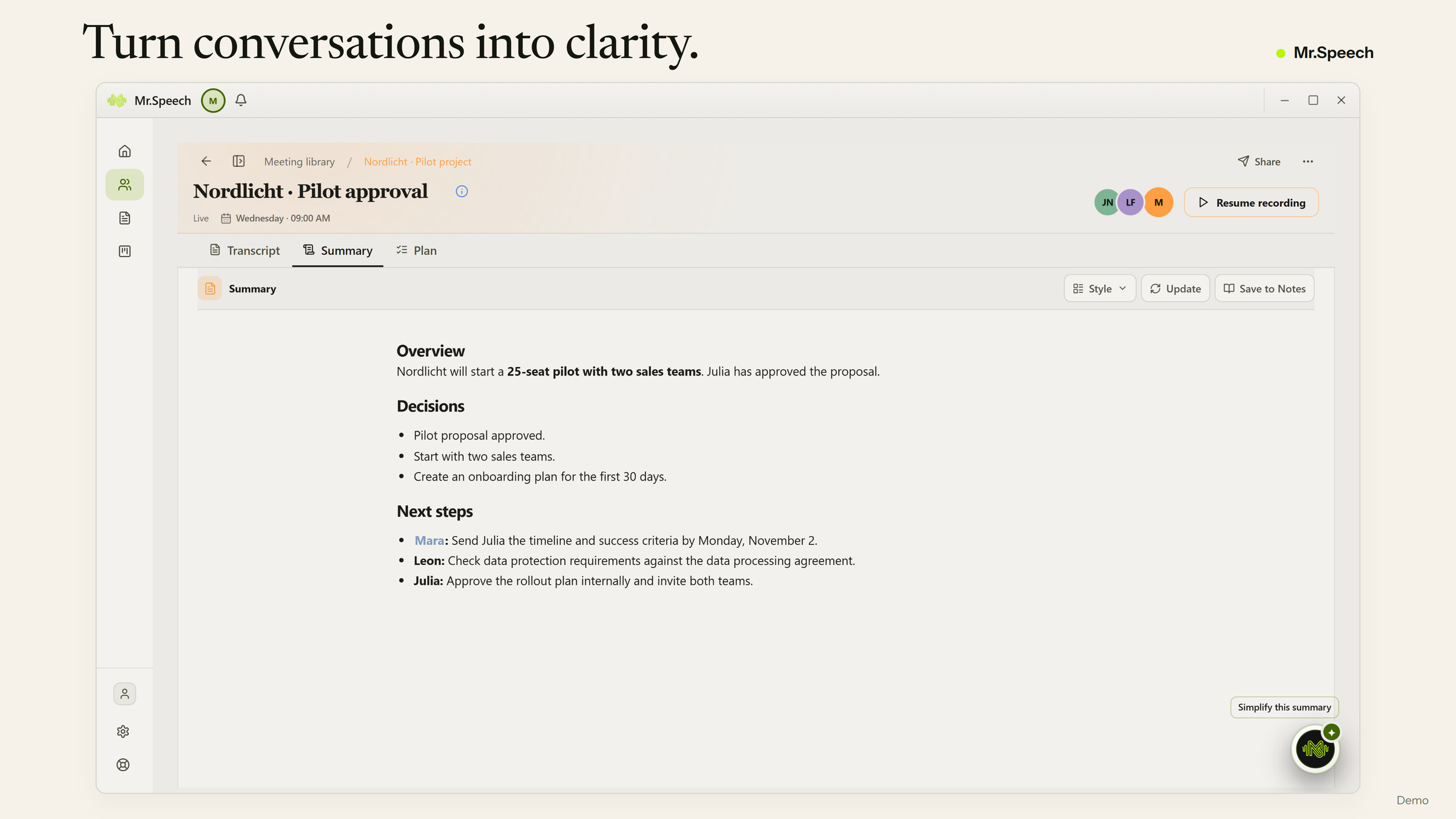
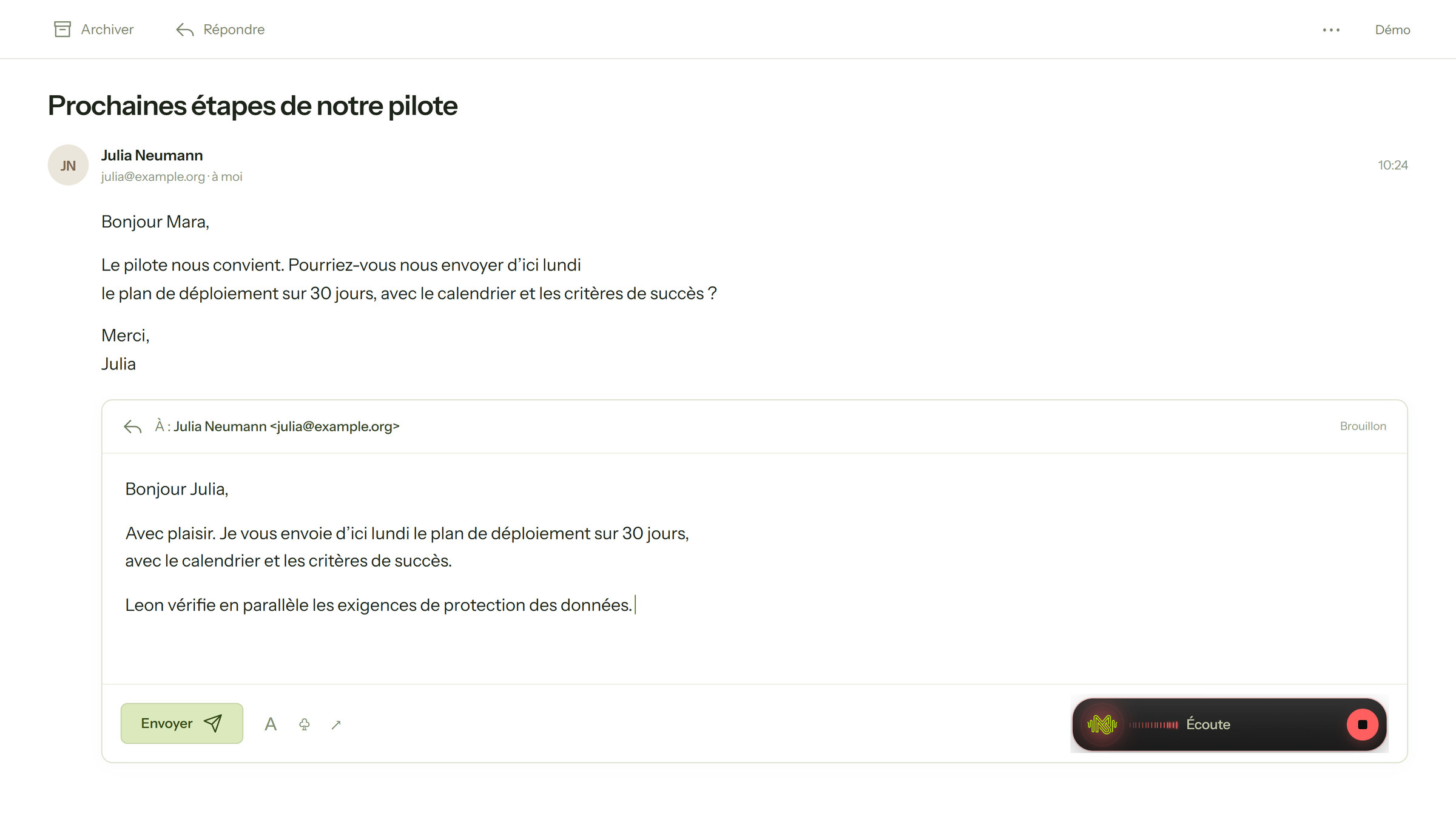
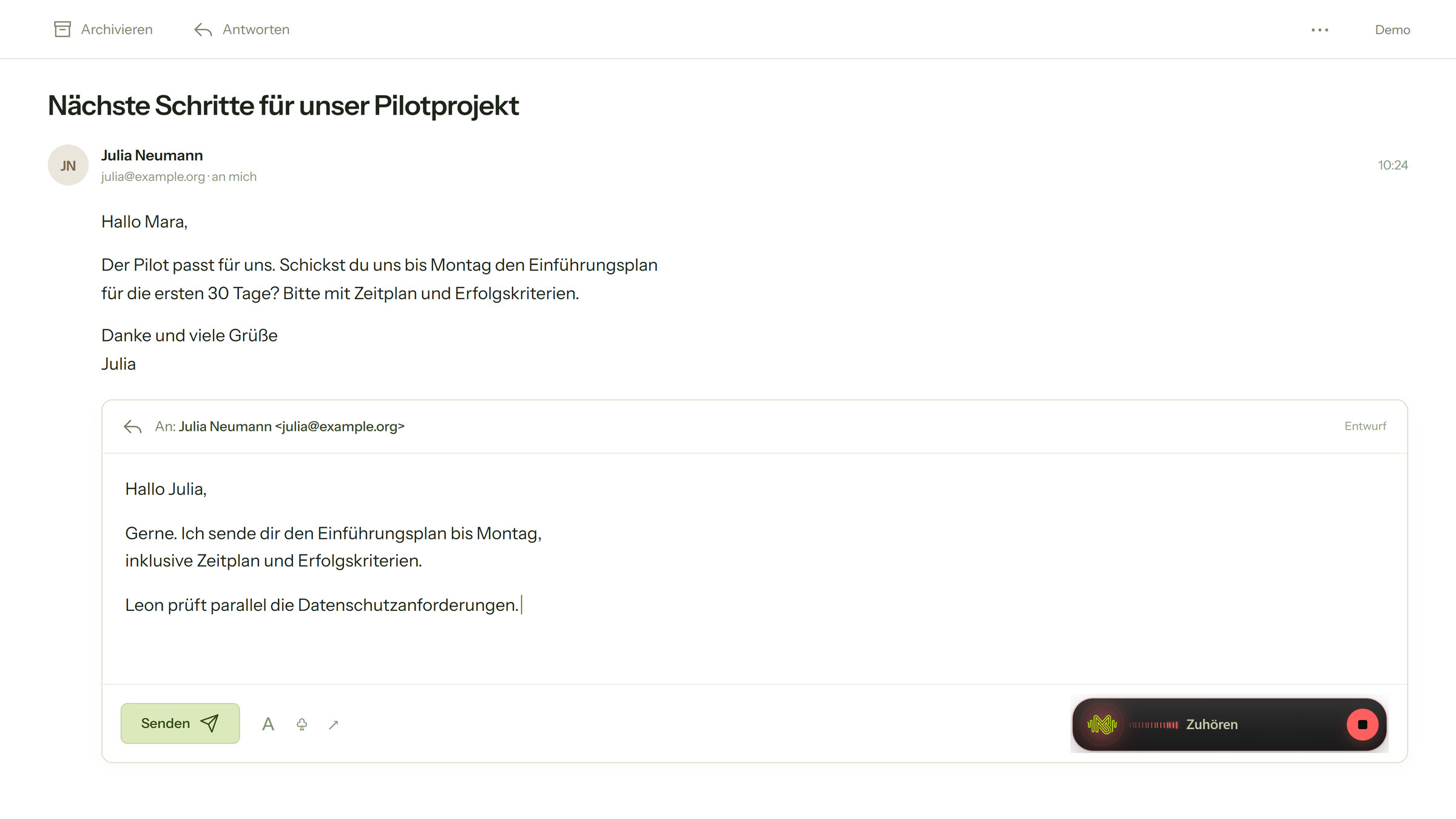
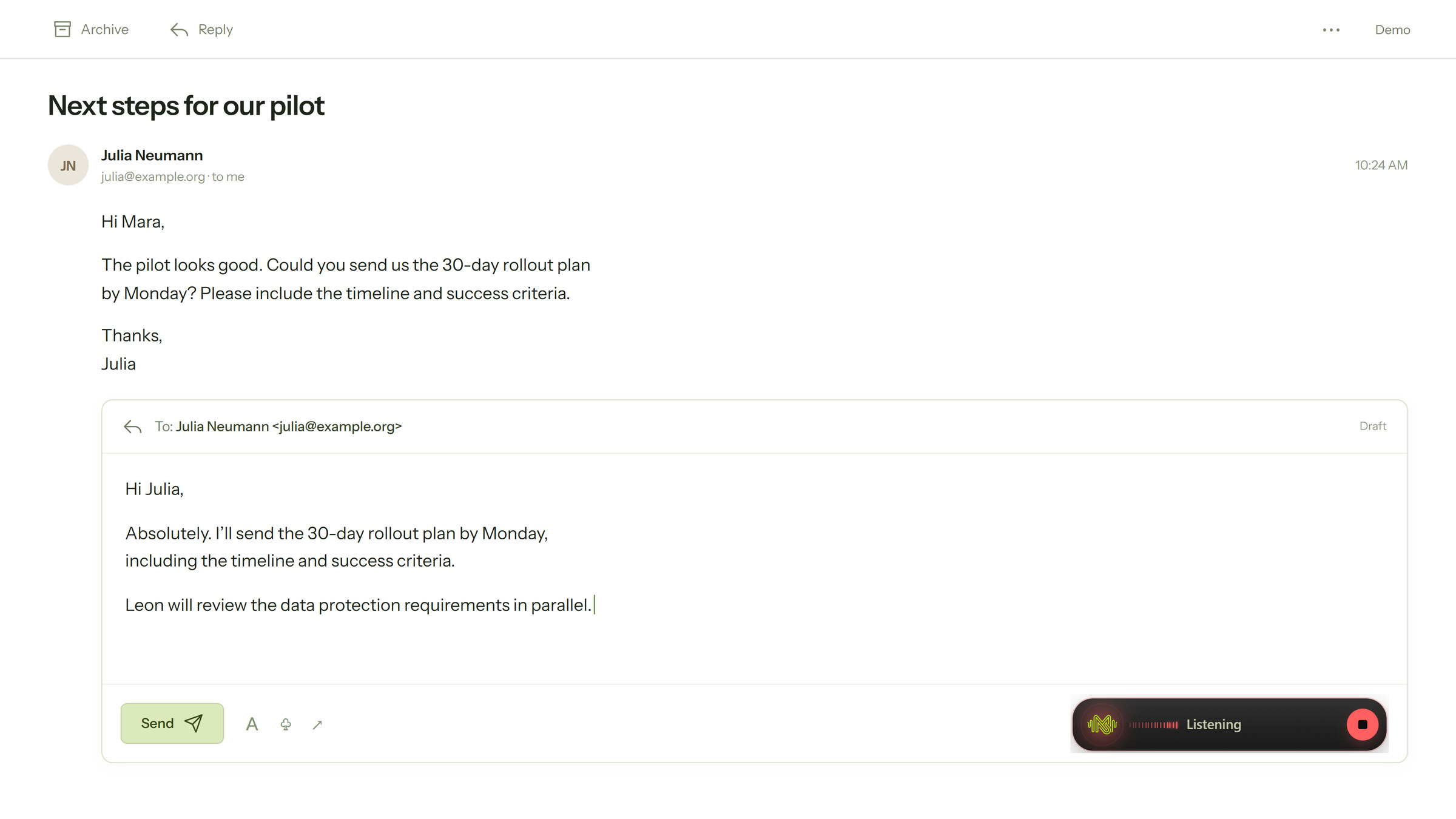
Mr.Speech is a desktop voice app for Linux, macOS and Windows. You press a hotkey anywhere and talk, holding to talk or tapping to start with an automatic stop. The cleaned text is typed straight into whatever app is focused: your editor, terminal, browser or chat app.
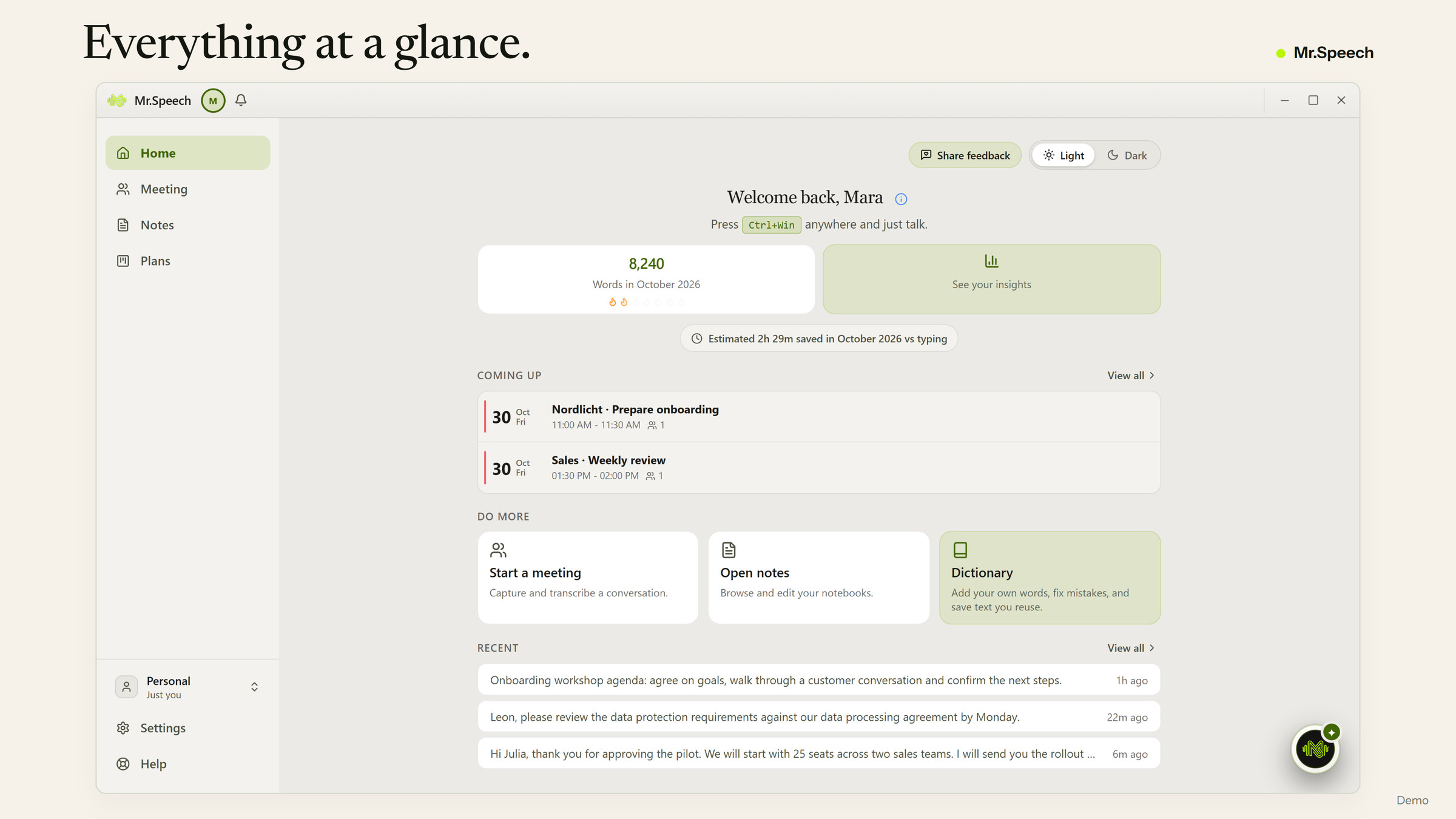
What it does well:
Native Linux build. It ships as a .deb (Ubuntu 24.04+ and Debian 13+) and an .rpm (Fedora, RHEL, openSUSE), and its developer page names Wayland, Hyprland and KDE support.
Context awareness. It knows a terminal from a document, and in a terminal it leaves syntax alone. Library and tool names can go into a personal dictionary.
On-device or EU cloud. In on-device mode, dictation runs with no internet and no audio leaving the machine. The cloud mode runs on European infrastructure.
Languages. Around 100 languages, detected automatically. Nine cleanup styles, from Literal to Email to Technical, work in every language.
More than dictation. Meetings are recorded on your computer with no bot joining the call, notes export as plain Markdown, and to-dos from your boards are gathered in one task list. Over MCP, tools such as Claude Code and Cursor can read and write your notes, tasks and boards.
Limits: Mr.Speech is not open source. The on-device engine covers 40 languages rather than the full set, and the site notes it can be slower than the cloud mode. Cloud transcription requires signing in. There is a free plan, and no card is needed to start.
Best for: people who want reliable dictation into any app on Wayland and also want meetings, notes and tasks in the same place. Developers can read the Mr.Speech page for developers for the terminal and editor details.
Handy
Handy describes itself as a free, open-source and extensible speech-to-text application that works completely offline. It runs on Windows, macOS and Linux. You speak, and the transcribed text is pasted into whatever app you are using.
What it does well: it is MIT licensed, keeps your voice on your computer, and offers several local models, including Whisper variants and Parakeet V3, which the README calls CPU-optimized. It uses Silero VAD to filter silence.
Limits: the README lists "Limited support for Wayland display server" as a known issue. For reliable text input it recommends installing xdotool on X11 and wtype or dotool on Wayland, and notes that on Ubuntu 26.04 wtype does not work, so you need ydotool. The recording overlay can interfere with pasting on Linux; the suggested fix is to set the overlay position to None.
Best for: a free, simple push-to-talk app that behaves the same on Linux and other systems, especially on X11. Handy on GitHub.
Vocalinux
Vocalinux is a Linux voice dictation app that sits in the system tray. You hold Right Alt, speak, and the text appears in the active window, in terminals, browsers, IDEs and office apps.
What it does well: it supports X11 and Wayland, and processes speech locally with a choice of engines (whisper.cpp by default, plus Faster Whisper, Whisper, VOSK and Parakeet). An optional remote API sends audio only to a server you set up. It is free and open source under AGPL-3.0, and it is packaged as AppImage, .deb, .rpm, Flatpak, Snap and AUR, with listed support for Ubuntu 24.04+, Debian 12+, Fedora 39+, Arch and openSUSE Tumbleweed.
Limits: text injection uses IBus when it is available and falls back to the clipboard on compositors without that bridge, so behavior can differ between desktops.
Best for: Linux users who want an open-source, Linux-first tray app with a wide choice of offline engines and packages. vocalinux.com.
nerd-dictation
nerd-dictation is offline speech to text for desktop Linux, run from the command line. You bind begin and end commands to shortcut keys, and there are no background processes between uses. It uses the VOSK engine with a language model you download.
What it does well: by default it simulates keystrokes, and it can also print to standard output. It works with xdotool on X11, and with ydotool, dotool or wtype on Wayland. Configuration is a plain Python script, so you can reshape the text however you like. It never presses Enter, which is reassuring in a terminal. It is GPL-3.0.
Limits: text from VOSK is all lower case, so capitalizing names takes configuration, and the README notes that start-up can be slow on systems with slower disks. There is no graphical interface.
Best for: people comfortable with scripts who want a small, transparent tool. nerd-dictation on GitHub.
Speech Note
Speech Note (dsnote) is a Linux and Sailfish OS app for taking, reading and translating notes. It combines speech to text, text to speech and machine translation, and all processing happens offline on your computer.
What it does well: a wide set of engines, including Vosk, whisper.cpp and Faster Whisper for speech recognition, espeak-ng, Piper and Kokoro for reading aloud, and offline translation. It can insert decoded text into whichever window is in focus, so it also works as a voice typing tool. It is released under the Mozilla Public License 2.0 and distributed as a Flatpak on Flathub.
Limits: on X11, insertion into other windows should work out of the box, but on Wayland the external ydotool daemon must be installed and running, and the Flatpak needs access to its socket. Global shortcuts are supported only in recent KDE Plasma and GNOME.
Best for: offline note taking where reading aloud and translation matter as much as dictation. Speech Note on GitHub.
OpenWhispr
OpenWhispr calls itself an open-source and free alternative to Wispr Flow and Granola. It runs on macOS, Windows and Linux, with a global hotkey to dictate into any app with automatic pasting.
What it does well: you choose between private offline transcription with local models and cloud processing with your own key. Beyond dictation it includes an AI assistant, meeting transcription, notes and audio import. It is MIT licensed and states it has no telemetry. Linux builds include AppImage and .deb.
Limits: the README does not say how text insertion works on Linux or whether it supports Wayland, so test it on your own desktop before relying on it.
Best for: people who want an open-source app with dictation, an assistant and meetings across several operating systems. OpenWhispr on GitHub.
Voxtype
Voxtype is push-to-talk dictation for Linux. You hold a hotkey (ScrollLock by default), speak, and release to have the text typed at your cursor. It is local by default, with no cloud, subscription or telemetry, though it can use a remote Whisper server if you set one up.
What it does well: Wayland is its main target, and it lists GNOME, KDE, Sway, Hyprland, River and i3. On Hyprland, Sway and River it uses native key-release bindings. It types with wtype and falls back to dotool, ydotool and finally the clipboard. The default engine is whisper.cpp, with ONNX builds for Parakeet, Moonshine and others. It is MIT licensed and packaged for AUR, .deb and .rpm.
Limits: GNOME and KDE do not work with wtype, so they rely on the fallbacks, and KDE needs toggle mode because it does not support key-release events. The built-in hotkey needs membership of the input group, it requires glibc 2.38 or newer, and the project describes itself as young.
Best for: tiling Wayland users, especially on Hyprland, Sway or River. Voxtype on GitHub.
How to choose
You want dictation plus meetings and notes in one app: Mr.Speech.
You want open source and run Hyprland, Sway or River: Voxtype.
You want an open-source Linux tray app with many engines and packages: Vocalinux.
You want the same simple app on Linux, macOS and Windows for free: Handy, ideally on X11.
You live in the terminal and like scripting: nerd-dictation.
You need reading aloud and translation too: Speech Note.
On GNOME or KDE Wayland: whatever you pick, check whether it needs
ydotool,dotoolor theinputgroup, and set that up first.
Questions
Does Wispr Flow have a Linux app?
Not according to its own site. The Wispr Flow homepage says it is "Available on Mac, Windows, iPhone, and Android", and neither the homepage nor its documentation mentions Linux.
Does superwhisper run on Linux?
Yes. superwhisper has a Linux page with a download, and it states that it "Needs Wayland (Hyprland, KDE Plasma or GNOME) and systemd." The page lists Ubuntu 24.04+, Debian 13+, Fedora 40+, Arch and others, with x86-64 and ARM builds, and offers Cloud, Offline and Offline Lite models.
Can I dictate on Linux completely offline?
Yes. Every tool here has a local mode, and in Mr.Speech's on-device mode no audio leaves the machine. Most download a speech model first, so do that while online.
Why does dictated text not appear on Wayland?
Wayland isolates apps from each other, so dictation tools need a helper (wtype, ydotool, dotool, IBus or a clipboard paste). Check which one your tool expects on your desktop, and whether it needs a running daemon or input group membership.
Which tool is best for programmers?
For scripting and full control, nerd-dictation. For dictating into an editor and a terminal without breaking syntax, Mr.Speech treats terminals differently from documents and is available for Linux as a .deb and an .rpm. On a tiling Wayland setup, Voxtype is a strong open-source option.
Checked against each project's own site and repository on 12 November 2026.